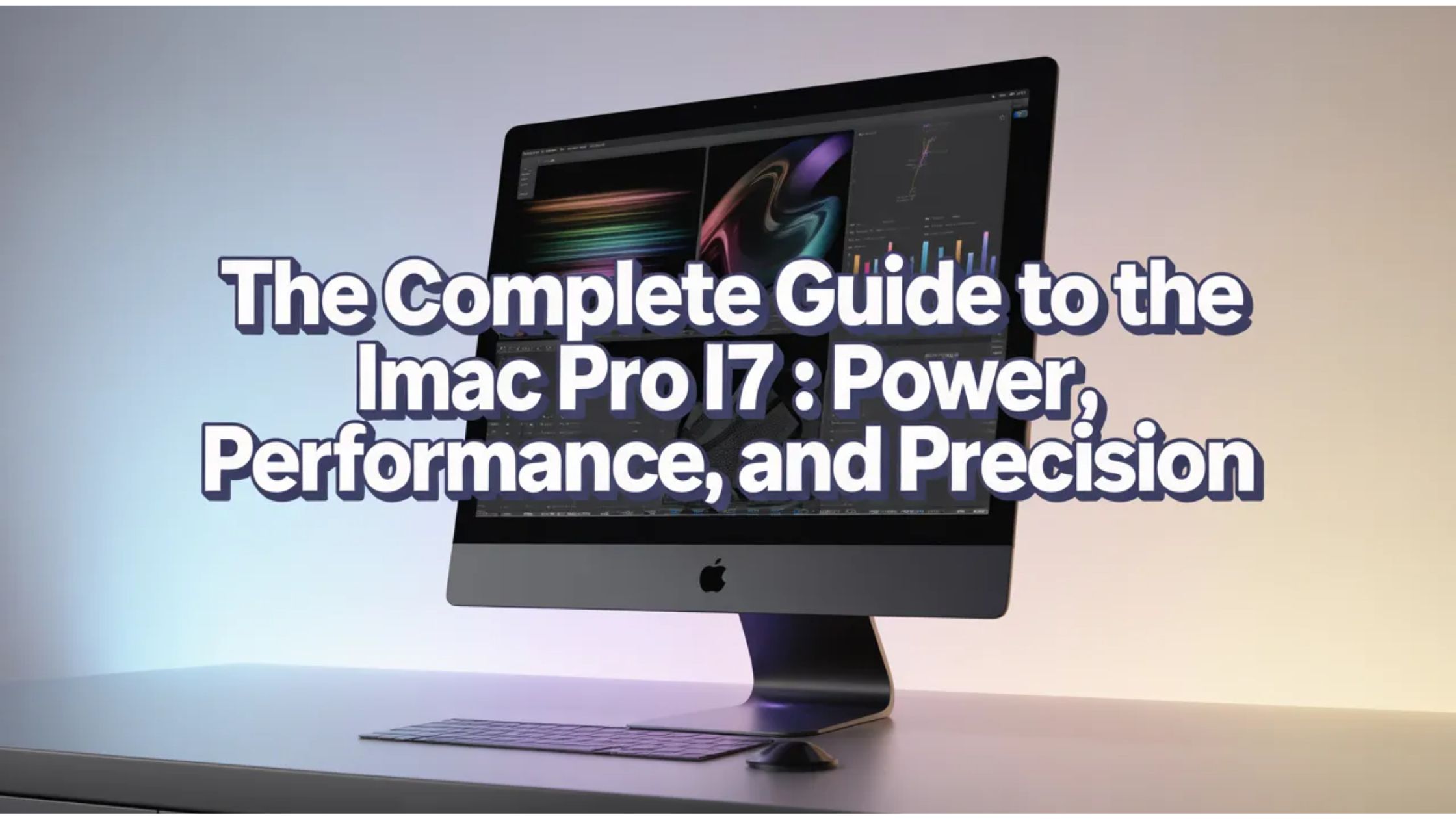
The quest for the perfect workstation often leads creative professionals and tech enthusiasts to a specific intersection of power and visual clarity. In the Apple ecosystem, few monikers carry as much weight as the “Pro” designation. While the official iMac Pro line was a beast of its own, many users seek the high-end configurations of the standard 21.5-inch models—specifically the iMac Pro i7 4k equivalent setups—to handle demanding tasks without the five-figure price tag.
In this comprehensive guide, we will explore why the i7-powered 4K iMac remains a sought-after machine, how it compares to the Xeon-based Pro models, and what you need to know before adding one to your desk.
Understanding the “iMac Pro i7 4k” Identity
To the uninitiated, the naming conventions of Apple’s desktop lineup can be a bit confusing. The official “iMac Pro” (released in Space Gray) utilized workstation-class Intel Xeon processors. However, the term iMac Pro i7 4k has become a popular way for users to describe the “maxed-out” consumer iMacs that bridge the gap between everyday computing and professional-grade editing.
These machines typically refer to the 21.5-inch Retina 4K models configured with:
- Intel Core i7 Processors: High-thread-count CPUs capable of heavy multitasking.
- Retina 4K Displays: Boasting 4096-by-2304 resolution and P3 wide color gamut.
- Dedicated Graphics: AMD Radeon Pro series GPUs designed for rendering and design.
Technical Specifications: Under the Hood
When you look at an iMac Pro i7 4k configuration, you are looking at a machine designed to punch above its weight class. Let’s break down the core components that define this hardware.
The Processor: Intel Core i7
The “i7” is the heart of this setup. Unlike the entry-level i3 or mid-range i5 models, the i7 utilizes Hyper-Threading technology. This allows the processor to handle more “threads” simultaneously, which is a game-changer for applications like Adobe Premiere Pro, Logic Pro, or heavy Xcode compiling.
The Display: Retina 4K Brilliance
The “4k” in iMac Pro i7 4k isn’t just a marketing buzzword; it represents a significant leap in pixel density. With over 9 million pixels, the Retina 4K display offers a level of sharpness where individual pixels are indistinguishable to the human eye at normal viewing distances. For photographers and videographers, the P3 color support ensures that the colors you see on screen are true to life.
Memory and Storage
Most pro-sumer models come with 16GB or 32GB of RAM. While the 21.5-inch models are notoriously difficult to upgrade after purchase, having an i7 paired with ample RAM ensures that the “beachball” cursor becomes a rare sight. Furthermore, shifting from traditional hard drives to SSDs (Solid State Drives) in these configurations provides the “Pro” feel through near-instant boot times and file transfers.
Why Choose an i7 Over a Xeon Pro?
You might wonder why someone would search for an iMac Pro i7 4k instead of the “real” iMac Pro. There are three primary reasons:
- Price-to-Performance Ratio: The Xeon-based iMac Pro started at $4,999. A top-spec 4K iMac with an i7 could often be found for half that price while delivering 80% of the performance for single-core tasks.
- Thermal Efficiency: The 4K chassis is slightly easier to cool during sustained bursts than the crammed internals of the 27-inch Pro, depending on the generation.
- Software Compatibility: Some legacy applications and specific creative tools were optimized for the higher clock speeds of the i7 rather than the high core counts of the Xeon.
Creative Workflows on the iMac Pro i7 4k
How does this machine actually perform in the wild? Whether you are a blogger, a YouTuber, or a freelance designer, the iMac Pro i7 4k setup offers a versatile platform.
Video Editing (4K and Beyond)
Editing 4K video requires a tripod of power: a fast CPU, a capable GPU, and quick storage. The i7 handles the timeline scrubbing, while the Radeon Pro graphics card manages the rendering of effects and transitions. With a 4K display, you can view your footage in its native resolution while still having room for your editing tools.
Graphic Design and Illustration
For users of the Creative Cloud suite, the iMac Pro i7 4k is a dream. The color accuracy of the Retina display means you won’t have surprises when your designs go to print. The i7’s power ensures that even massive .PSD files with hundreds of layers remain responsive.
Coding and Virtualization
Developers often prefer the i7 for its reliability in virtualization. Running Docker containers or virtual machines (VMs) requires a processor that doesn’t choke under pressure. The “Pro” feel of this configuration is evident when you can run a local server, a database, and several browser tabs without a hint of lag.
Maintenance and Longevity
To keep an iMac Pro i7 4k running at peak performance, certain maintenance steps are required. Because these are “all-in-one” (AiO) units, they are prone to dust buildup.
- Cooling: Ensure the intake vents at the bottom and the exhaust behind the stand are clear.
- External Storage: Since internal storage is hard to upgrade, using Thunderbolt 3 external SSDs can extend the life of your machine by providing fast scratch disks for video work.
- Software Updates: While Intel-based Macs are being succeeded by Apple Silicon (M1/M2/M3), the i7 4K models still receive robust support for macOS, making them viable for years to come.
Buying Guide: What to Look For
If you are in the market for an iMac Pro i7 4k today, you are likely looking at the refurbished or secondary market. Here is a checklist:
- Check the Year: Aim for 2017 or 2019 models. These offered the best balance of the i7 architecture and 4K display technology.
- Verify the CPU: Ensure it is a 7th, 8th, or 9th Gen i7. Some sellers mislabel i5 models as “Pro.”
- Storage Type: Avoid “Fusion Drives” if possible. Look for “All-Flash” or “SSD” storage for the true Pro experience.
Frequently Asked Questions (FAQs)
1. Is there an official iMac Pro with an i7 processor?
Technically, no. The official iMac Pro line only used Intel Xeon W processors. However, many users refer to the high-end 21.5-inch iMac Retina 4K with an i7 upgrade as an “iMac Pro i7 4k” due to its professional capabilities.
2. Can I play games on the iMac Pro i7 4k?
Yes, but with caveats. While the i7 and Radeon Pro graphics can handle many popular titles like League of Legends or Counter-Strike, the 4K resolution is very demanding. You may need to lower the resolution to 1080p for a smooth gaming experience.
3. Does the iMac Pro i7 4k support external monitors?
Absolutely. Most of these models come with two Thunderbolt 3 (USB-C) ports. You can connect up to two additional 4K displays or one 5K display to expand your workspace.
4. Is the iMac Pro i7 4k better than the M1 iMac?
The M1 (Apple Silicon) is generally faster and more efficient for modern tasks. However, the i7 models are still preferred by users who need to run Windows via Boot Camp or specific legacy Intel-only software.
5. Can I upgrade the RAM in an iMac Pro i7 4k?
On the 21.5-inch 4K models, the RAM is not “user-accessible” like it is on the 27-inch models. It can be upgraded, but it requires removing the screen, which is a delicate process best left to professionals.
Conclusion
The iMac Pro i7 4k represents a pinnacle of Intel-based all-in-one computing. It combines a professional-grade processor with one of the best displays ever put into a consumer desktop. While the world moves toward Apple Silicon, the sheer utility and aesthetic appeal of the i7 4K iMac ensure it remains a powerhouse for creators around the world. By choosing the right configuration and maintaining it well, this “mini pro” can serve as the centerpiece of your creative studio for years to come.